
Audit Logs
The agent archives all actions performed by every user in an audit log. By default, all actions of 30 days are recorded (configurable in config.toml).
You can access the audit log within the manager under Users, Audit Log.
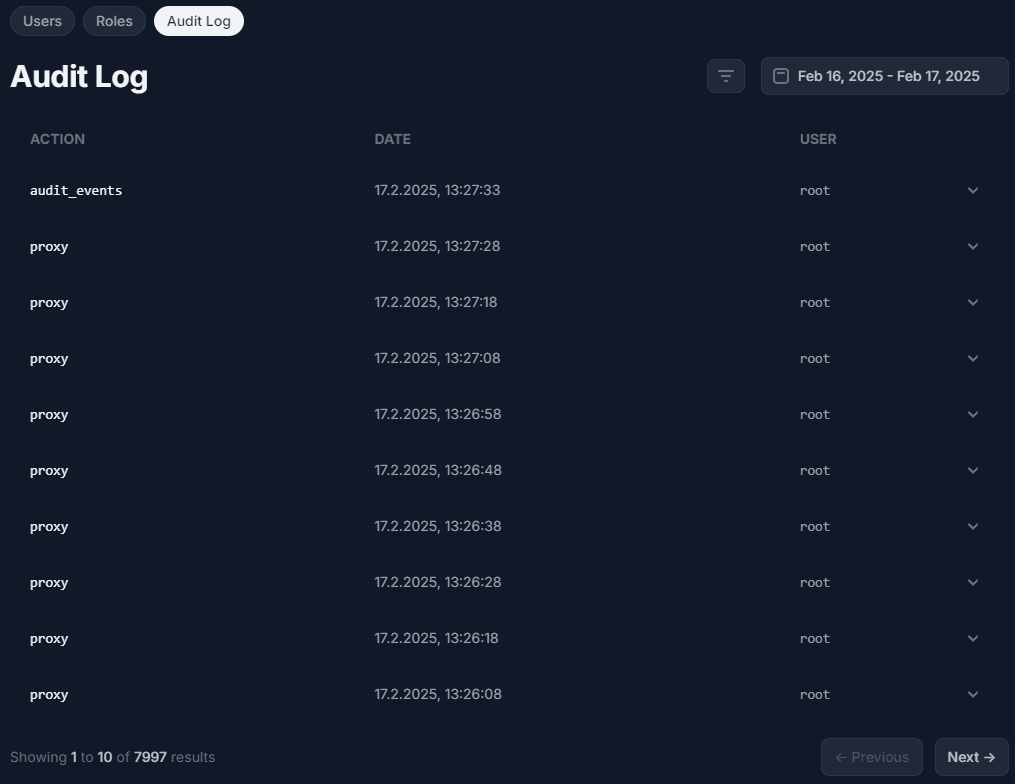
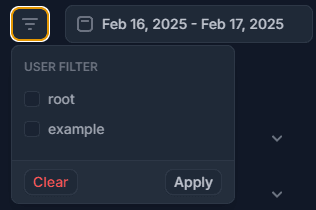
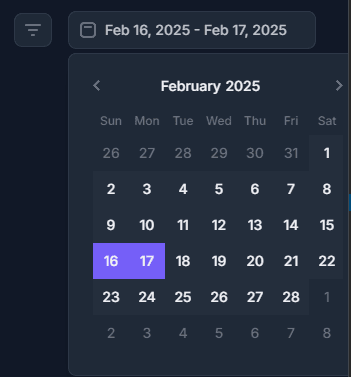
The audit log allows you to filter by user and date (user filter requires `user.list` permission).
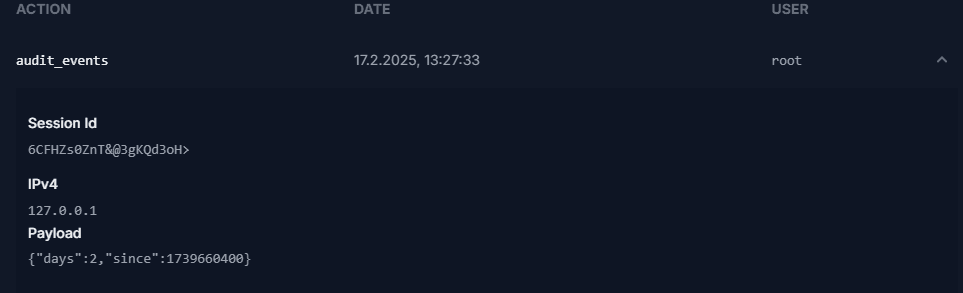
In addition to the general action, you are able to check the exact session id of any connection for the user, as well as the authoring IP address and exact payload sent by the user. To view these, click on the chevron.
Requests sent through MCP are stored in this log and marked as MCP.
Related Articles
Frequently asked questions
Common questions about connecting Manager to an Agent, console windows, OmegaManager migration, ports, RCon, and the cache directory.
Moving an Agent installation
Depending on requirement, you may not require to move the entire installation, it is possible to change the locations of the following directories:
Updating an Architect Agent
Update Architect Agent from Toolbox on Windows, or replace the binary manually when an automatic update is not available.