
CFTools Architect
CFTools Architect offers an enhanced method for overseeing your computing resources and managing game server deployments.
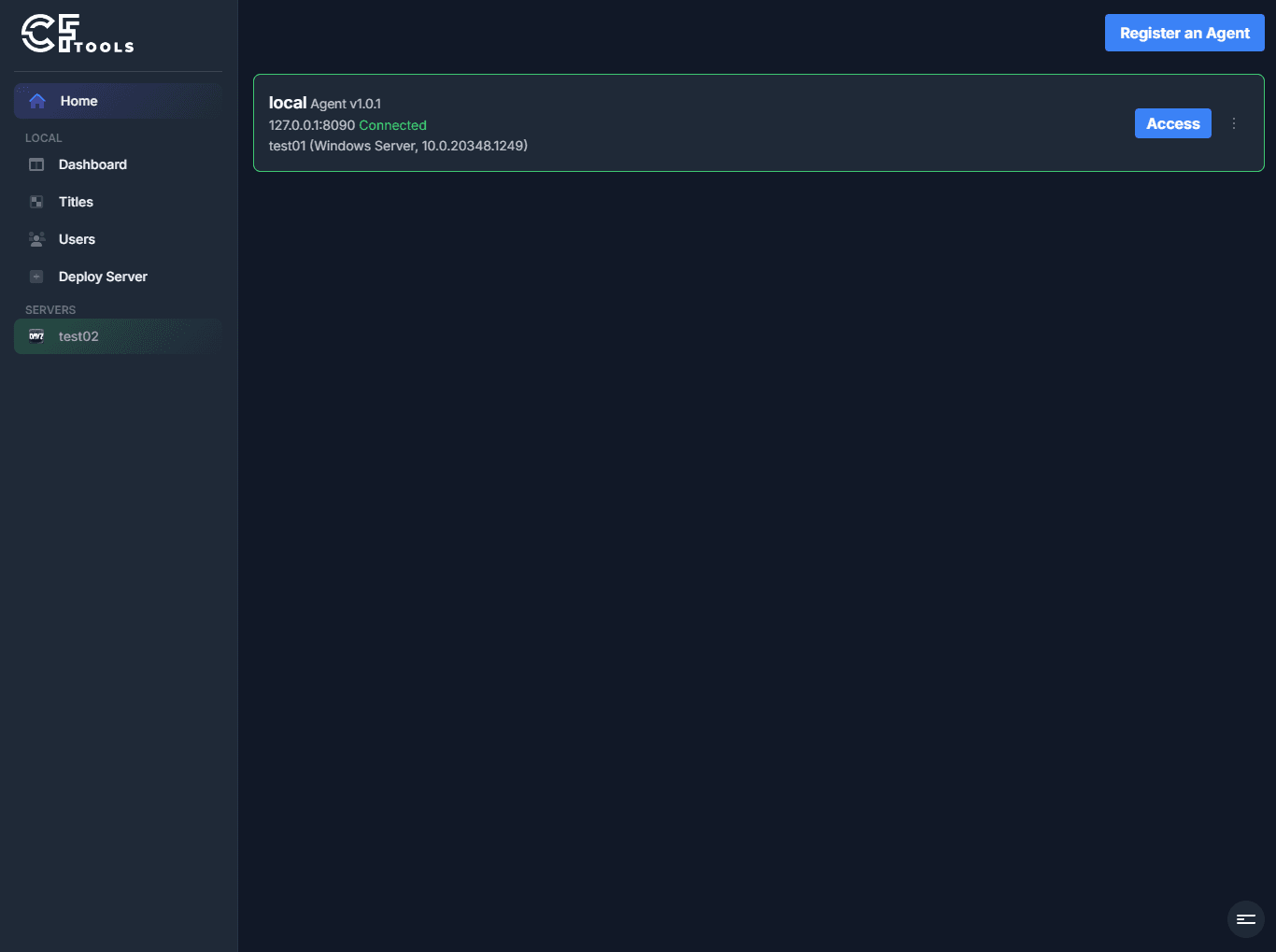
CFTools Architect consists of two runtime components:
- Architect Agent
- Architect Manager
On Windows, Architect Toolbox is the installer and system-tray manager you use to install and control the Agent. It is not a third runtime for game servers.
Architect Agent
The Architect Agent handles all operational duties and is regarded as the core component of the application. It must be installed on a dedicated server or several dedicated servers, based on your setup.
On Windows, the recommended path is Architect Toolbox. You can also follow the installation guide. Once installed, simply set it up with your license key. Then you are ready for Architect Manager.
Architect Manager
The Architect Manager serves as a portable communication tool for interacting with one or more Architect Agents. You can set up Architect Manager on any of your devices, whether it's the system where your Agent is located or your personal device eg. remote access.
Architect Manager connects to your Agent(s) and allows you to manage them all at once. Builds are available for Windows, Linux, and macOS.
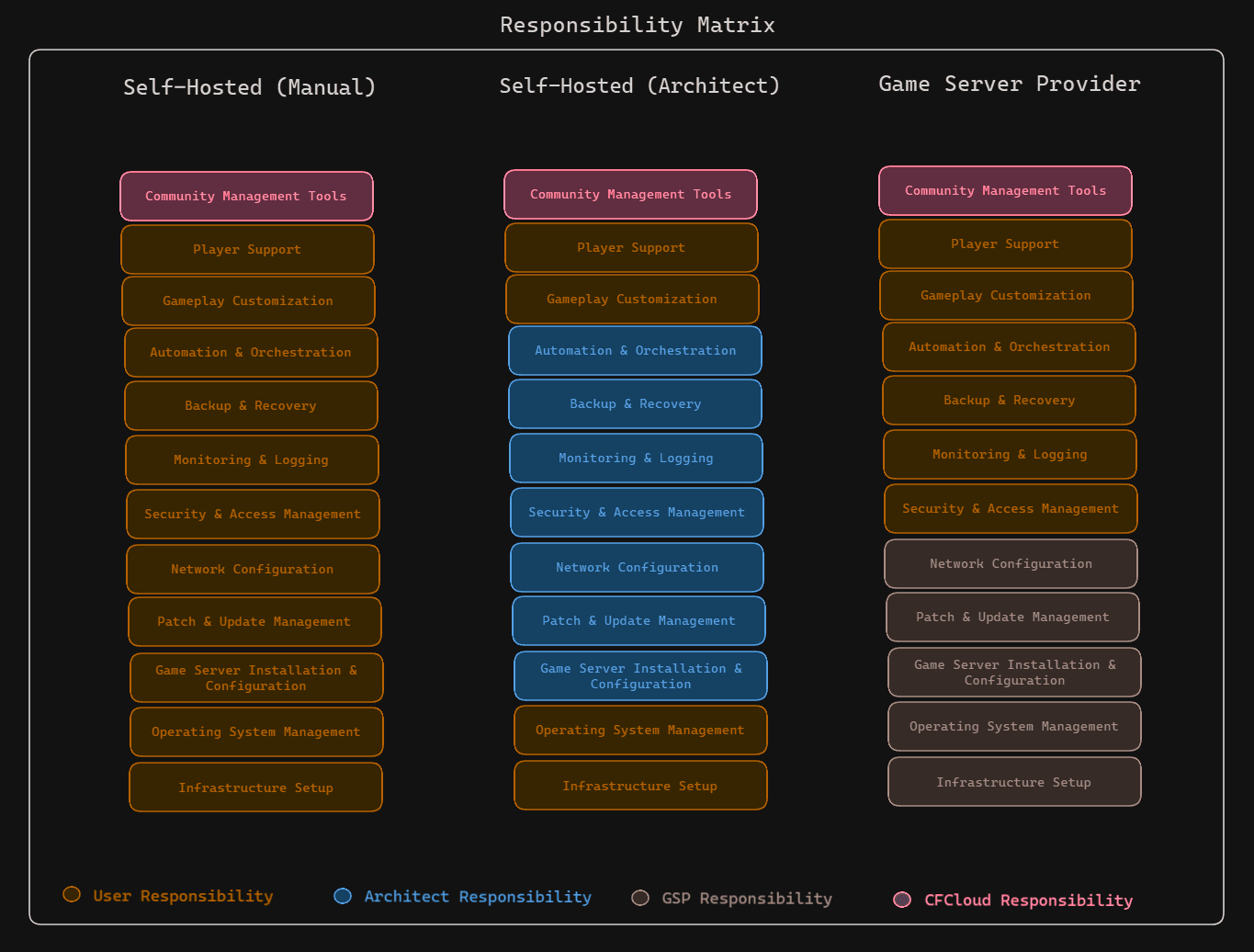
Safe time with Architect
Reclaim your focus on what matters most, your game server experience and community. Let Architect handle the rest.
Related Articles
Frequently asked questions
Common questions about connecting Manager to an Agent, console windows, OmegaManager migration, ports, RCon, and the cache directory.
Moving an Agent installation
Depending on requirement, you may not require to move the entire installation, it is possible to change the locations of the following directories:
Updating an Architect Agent
Update Architect Agent from Toolbox on Windows, or replace the binary manually when an automatic update is not available.