
Enable Agent stdout feed
Make sure that the user you are using is either `root` or you have the appropriate permissions `agent.enable_stdout`, otherwise the stdout feed will remain blank.
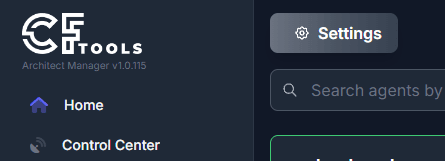
- Navigate to Home
- Open the application settings
3. Enable "Agent Console Output"
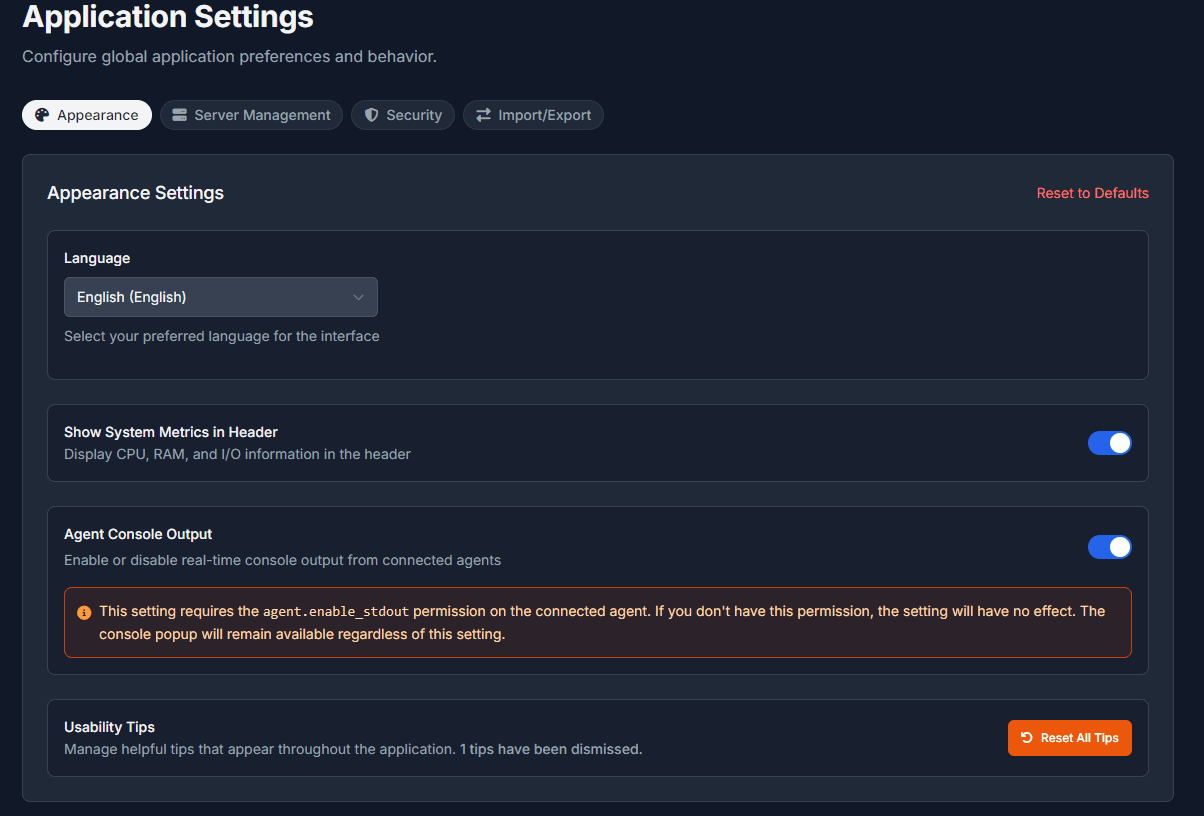
Your page will reload and upon connecting to any agent, you will now see a new icon in the lower right corner of the Manager.

Clicking this icon, opens the agent stdout console.

Related Articles
Frequently asked questions
Common questions about connecting Manager to an Agent, console windows, OmegaManager migration, ports, RCon, and the cache directory.
Moving an Agent installation
Depending on requirement, you may not require to move the entire installation, it is possible to change the locations of the following directories:
Updating an Architect Agent
Update Architect Agent from Toolbox on Windows, or replace the binary manually when an automatic update is not available.