
Modding support
Which mods you can install depends on the title. Open the title page from Title Support before you expect a Mods tab.
| How mods are installed | Titles |
|---|---|
| Steam Workshop in the Mods tab | DayZ, Squad, Palworld, Project Zomboid |
| Arma Platform in the Mods tab | Arma Reforger |
| No Mods tab | Rust, SCUM, ARK: Survival Evolved, ARK: Survival Ascended, Valheim, 7 Days to Die, Enshrouded, Windrose |
A folder name that starts with @ is how DayZ marks a local mod. Other titles do not use that rule.
Project Zomboid Workshop layout changed in Build 42. Read Project Zomboid Build 42 mods and Project Zomboid.
Local mods
Local mods are files you place yourself instead of downloading them from a workshop. On DayZ they belong in the server root and the folder name must start with @.
Steam Workshop
Steam Workshop mods are installed per server. Files for that server stay in the deployment. The Agent also keeps a shared cache so the same mod can be copied to another server without downloading it again. See Title and mod cache.
Arma Platform
Arma Reforger mods come from the Arma Platform catalog in Manager. The dedicated server installs those mods. Architect tracks the versions.
Mod configuration
To manage your game servers mods navigate to your target server and afterwards click "Mods". You will be presented with a fresh game server deployment at the start.
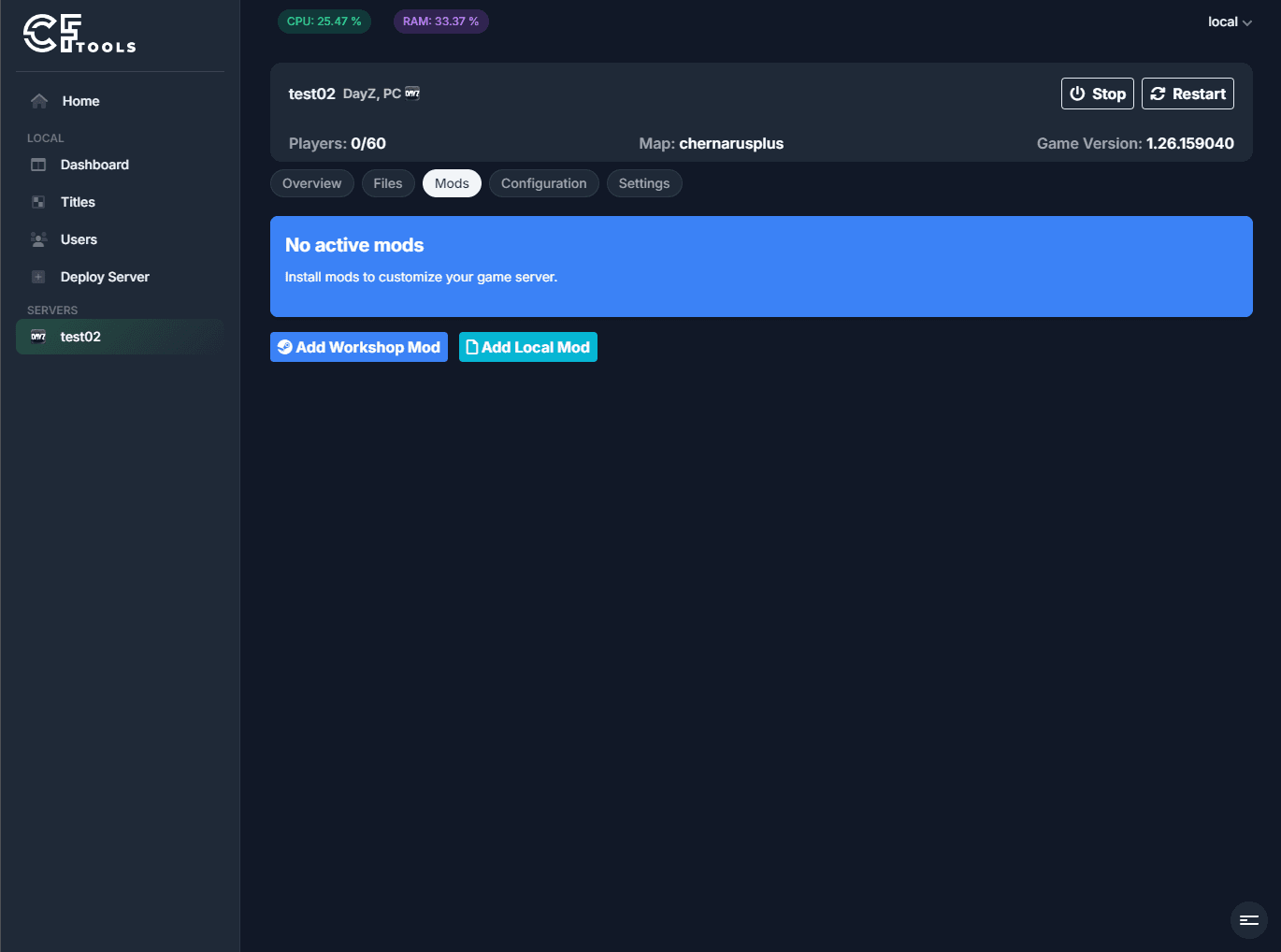
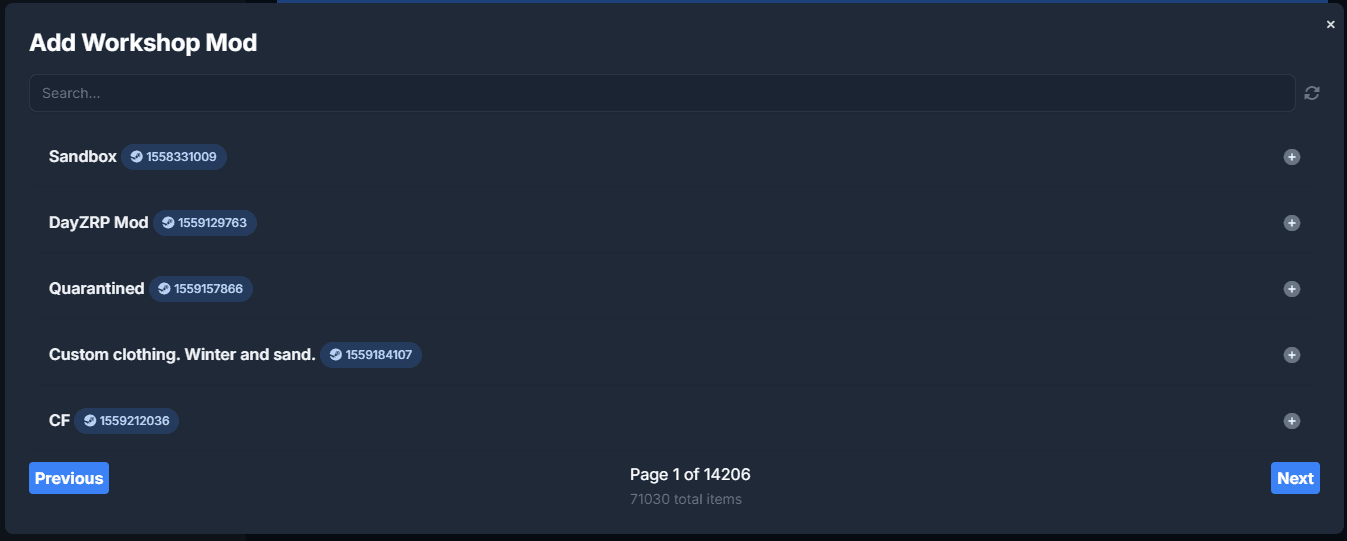
You can add Steam Workshop based mods, by clicking "Add Workshop Mod" if supported by the game title.
Local mods, eg. items that do not need to be downloaded from any remote system, can be added by clicking "Add Local Mod".
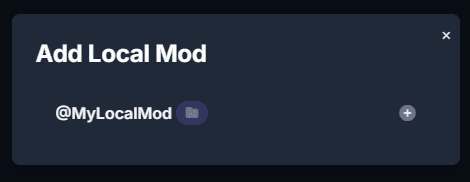
Pressing the `Plus` icon will download and install the mod.
Managing mods
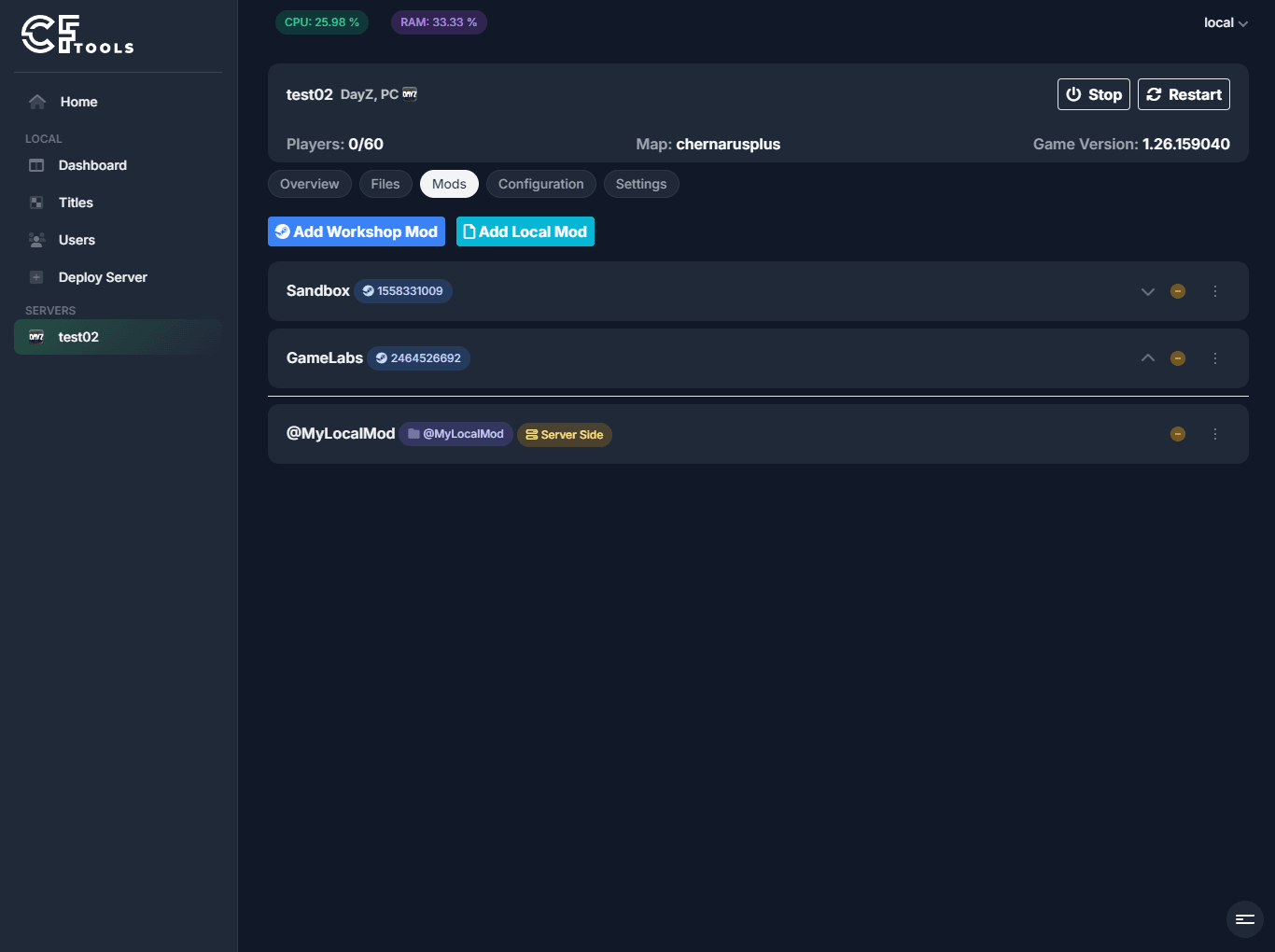
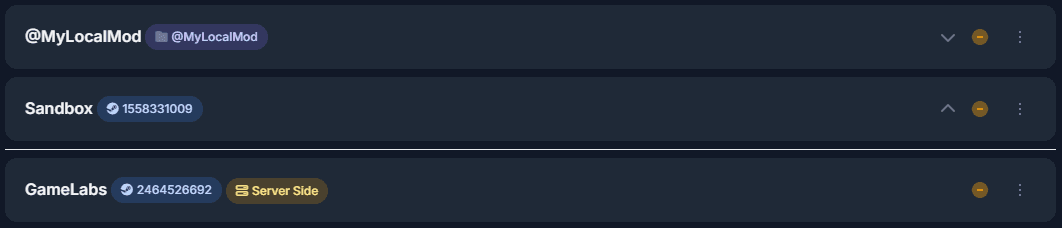
Once remote or local mods have been added you will be presented with a list of mods for your game server.
From here you are able to:
- Remove a mod
- Change mod order (if supported/required by game title)
- Change mod type (if supported/required by game title)
Removing a mod
You can remove a mod by clicking the yellow `Minus` icon in the mod list.
Change mod order
The mod list is sorted from top to bottom. The first loaded mod is displayed at the top.
If the title supports mod types, the list is split by mod type with individual sorting.
You can change the mod order by clicking the up and down chevron icons for each mod.
Change mod type
To change the mod type (DayZ: Server/Client mods) you can click the three dot icons to toggle or select the mod type.

GameLabs
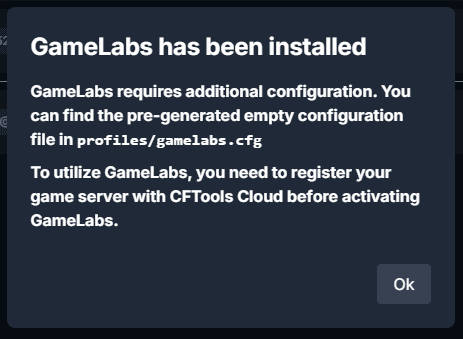
When installing GameLabs for any titles supported by it, you will see a default configuration be created. The generated file will contain a template configuration. You still need to enter your API credentials.
Related Articles
Frequently asked questions
Common questions about connecting Manager to an Agent, console windows, OmegaManager migration, ports, RCon, and the cache directory.
Moving an Agent installation
Depending on requirement, you may not require to move the entire installation, it is possible to change the locations of the following directories:
Updating an Architect Agent
Update Architect Agent from Toolbox on Windows, or replace the binary manually when an automatic update is not available.