
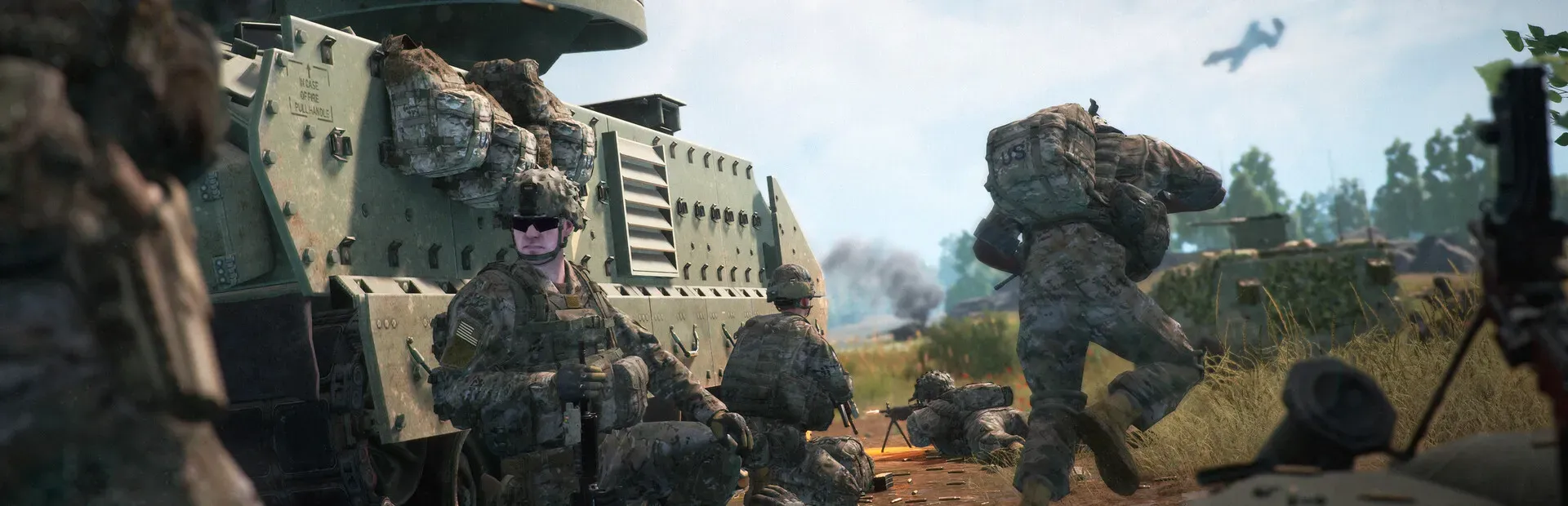

Squad server hosting
Squad server hosting with CFTools Architect runs the dedicated server on hardware you control. A Squad host lives and dies by layer rotation, licensed mods, and a patch from Offworld that drops just before a seeded match. Architect installs the server, updates it, manages mods, edits configuration, restarts between sessions, takes backups, and can wipe when a layer set should start clean. Cloud RCon is not a Squad product. One agent can run more than one server on the same machine.
Runs on a Windows or Linux machine you control.
Hosting highlights
Self-host the match server
The 100-player process stays on your VPS or dedicated box. Architect Agent installs Squad there. Players join your IP, not a slot CFTools resells.
Licensed mods beside the layers
Squad mod management is supported. Keep the mod set with the server record so a layer that depends on a mod is not missing after the next update.
Layer and server configuration
Edit Squad server configuration from Manager. Map rotation and the settings communities change between campaigns stay out of a one-off shell history.
Updates before the next seed
When a Squad patch ships, Architect can update the dedicated server and bring it back. That is the difference between seeding on time and postponing the match.
Restarts between sessions
Schedule restarts so a long match night ends on a clean process. Wipe automation is available when the server should drop accumulated state.
Backups and crash recovery
Back up before a mod or patch change. If Squad crashes mid-update, crash recovery and the backup give you a way back to the last good config.
How Squad self-hosting works
Install Architect on Windows or Linux, deploy Squad, attach mods, and set the restart window outside your usual match block. Metrics show whether the host is starving the server. Webhooks can announce that the server is back. RBAC lets a clan tech restart it without owning the whole machine.
Squad caveats
CFTools Cloud does not provide a Squad RCon admin tool. Bans and live player tools inside Cloud are not part of this hosting page. Licensing for Squad servers still follows the game publisher. Architect automates the process on your machine. It does not grant a server license by itself.
Mods and wipes
Mod management and automatic wipes are both enabled for Squad. Use a backup before either one changes the server players have been seeding. A public server and a private unit server can sit on the same agent when the hardware can carry both.
What you need to host Squad
Bring a machine that can hold a full match, then let Architect run the dedicated server.
- A Windows or Linux machine you control
- CPU and bandwidth sized for your player count
- Architect Agent on that host
- A valid way to run a Squad dedicated server under the publisher rules
- Game ports open for players
CFTools Architect features for Squad
- Automated server deployment
- Automatic updates
- Configuration management
- Mod management
- Automatic restarts
- Backup automation
- Detect and recover from crashes
- Automate server wipe cycles
- WebHooks for every server state and event
- RBAC - Grant others easily limited or full access
- All servers easily visible on one unified dashboard
- Hardware metrics
- Game server metrics