
Download Progress
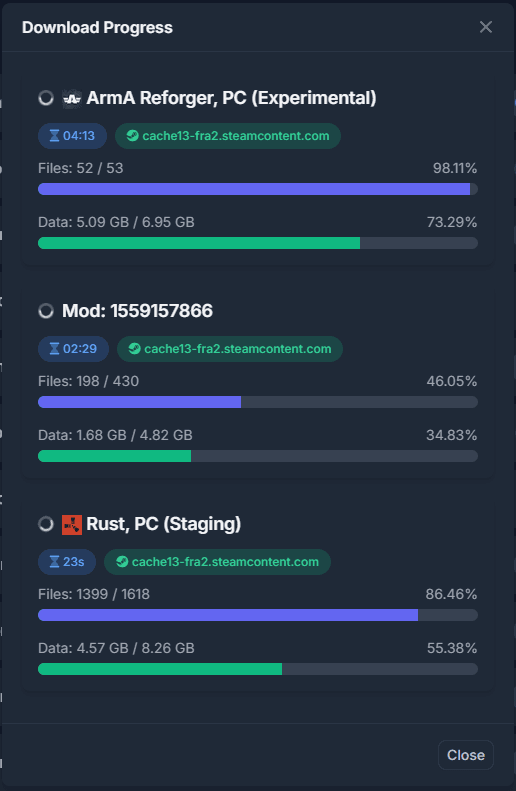
The Manager is able to display the current status of all active downloads.
Once a download is currently active, you will see a download progressing badge in the header.

Clicking the indicator will open the download progress pop up, showing the details of the current download.
Limitations
Should the manager be connected to an agent that already has a download active, the download progress will start relative to the next progress event send by the agent. In this case the download duration might not be accurate.
Related Articles
Frequently asked questions
Common questions about connecting Manager to an Agent, console windows, OmegaManager migration, ports, RCon, and the cache directory.
Moving an Agent installation
Depending on requirement, you may not require to move the entire installation, it is possible to change the locations of the following directories:
Updating an Architect Agent
Update Architect Agent from Toolbox on Windows, or replace the binary manually when an automatic update is not available.